Step-By-Step
Follow along step by step to complete the exercise at your own pace.
Solo the Kick Track.
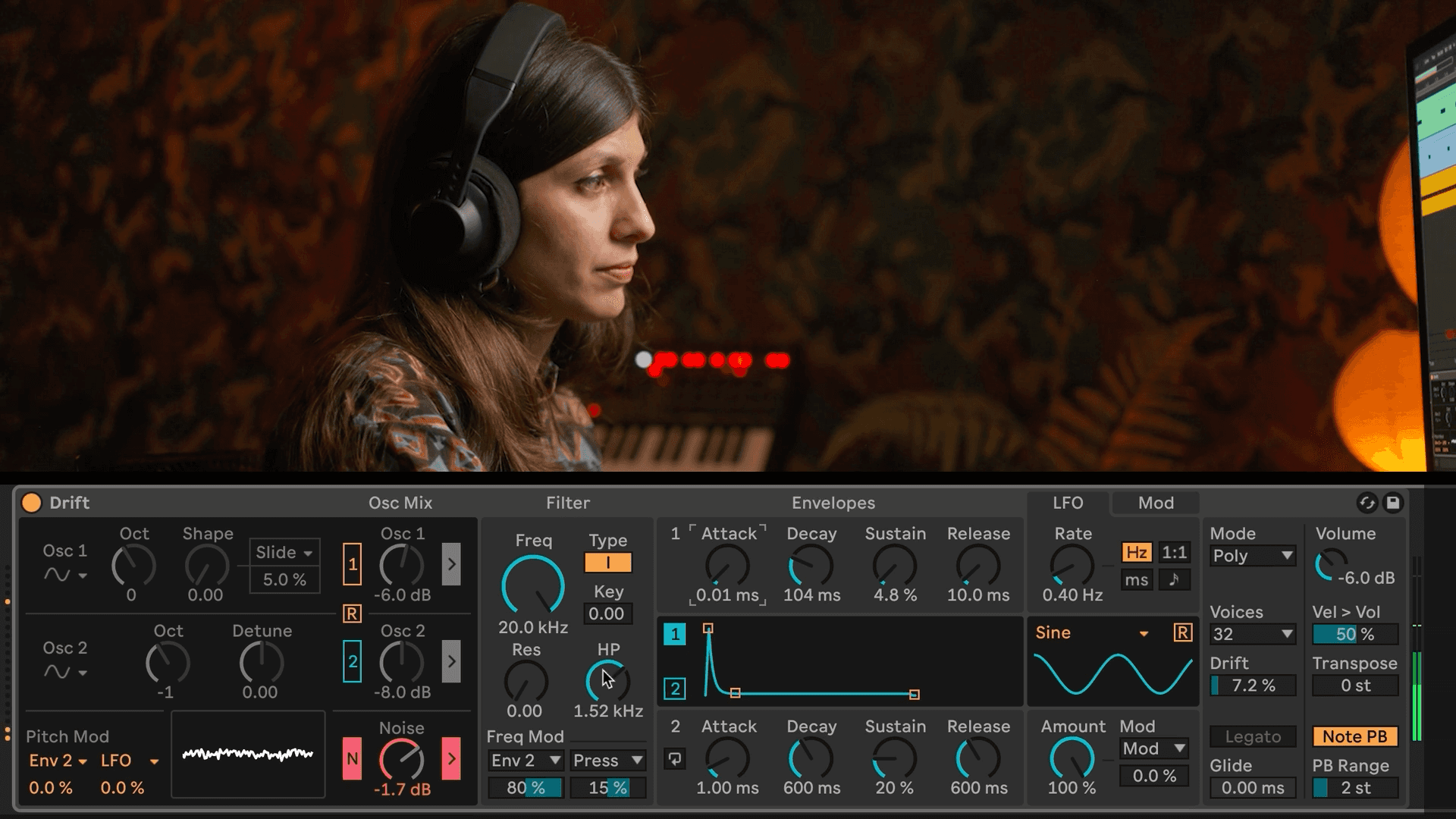
Turn Oscillator down by 1 octave.
Reduce the Decay, Sustain, and Release controls on Envelope 1.
Increase the amount of Pitch Modulation for Envelope 2 to a value between 50 and 80%.
Reduce the Decay, Sustain, and Release controls on Envelope 2.
Solo the Snare Track.
Reduce the Decay, Sustain, and Release controls on Envelope 1.
Turn on the Noise Oscillator.
Use the filter to further shape the sound of the Snare.
Solo the Hi-Hat Track.
Turn off Oscillator 1 and turn on the Noise Oscillator.
Reduce the Decay, Sustain, and Release controls on Envelope 1.
Use the high-pass filter to cut out unnecessary low frequencies.
Save your work! Cmd+S (Mac) / Ctrl+S (Windows)