Step-By-Step
Follow along step by step to complete the exercise at your own pace.
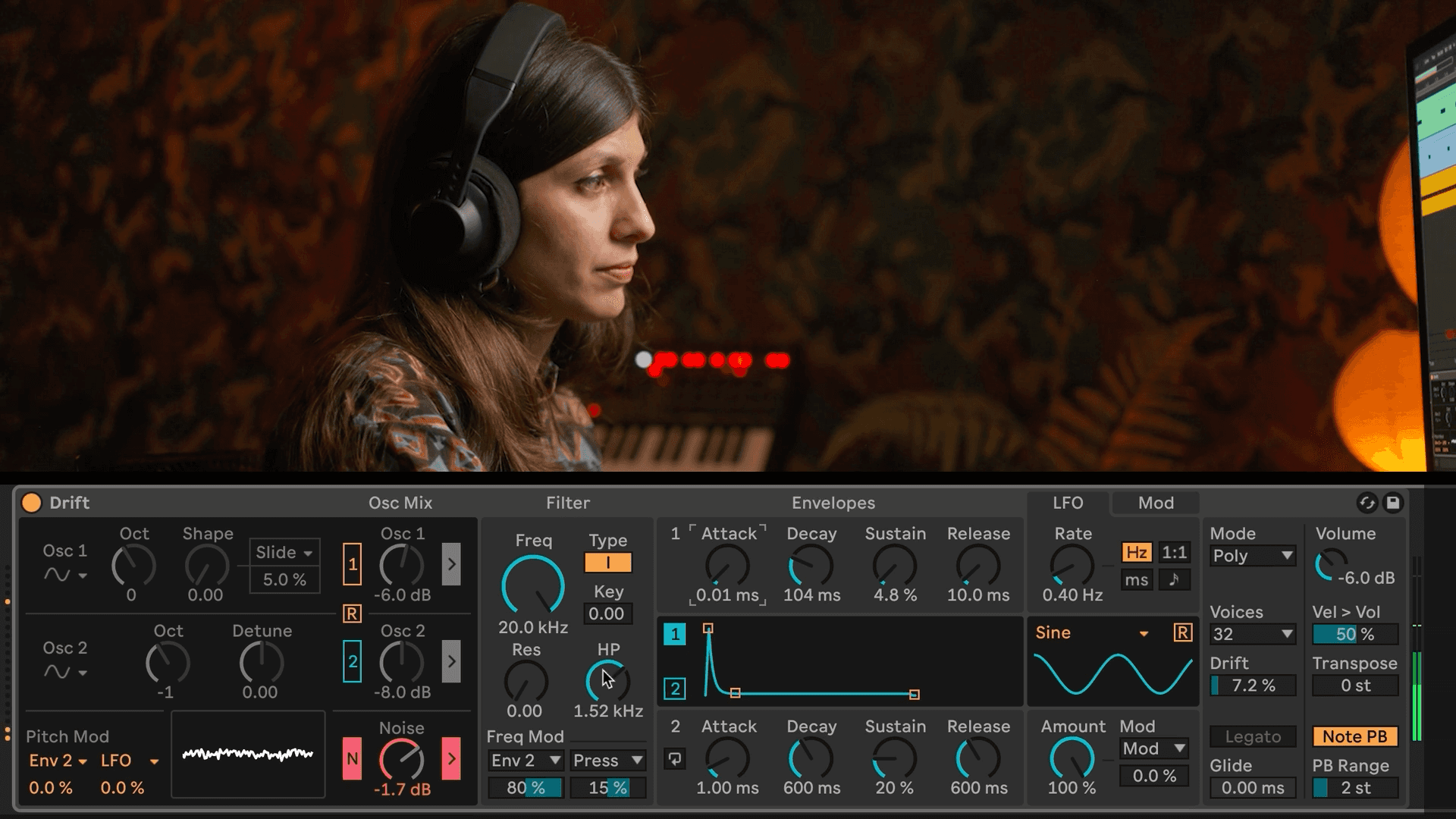
Bass with multiple sawtooth oscillators that are slightly out of tune with each other and an LFO on the filter cutoff.
Select Track 1.
Switch both Oscillators to Sawtooth waves and bring the Octave knobs all the way down.
Increase the Detune knob on Oscillator 2 and the Shape knob on Oscillator 1.
In the Frequency Modulation section, select LFO from the drop down menu.
Bring the filter cutoff down and adjust the shape and rate of the LFO.
Make any necessary adjustments to Envelope 1.
Soft sine pad that fades in with attack on the volume envelope:
Select Track 2.
Switch both Oscillators to a Sine wave.
Increase the attack time a lot on Envelope 1 so the sound fades in more gradually.
Pluck with square or sawtooth waves being shaped by envelopes on the filter and volume.
Select Track 3.
Switch Oscillator 1 to a Sawtooth wave and Oscillator 2 to a Square wave.
Adjust Envelope 1 to have a fast attack and a short decay, sustain, and release.
Bring down the cutoff frequency and increase the increase the amount of Frequency Modulation for Envelope 2.
Save your work! Cmd+S (Mac) / Ctrl+S (Windows)