Exercise 1: Browser
Learn how to navigate the Browser and bring instruments into your project.
Exercise
Instructions:
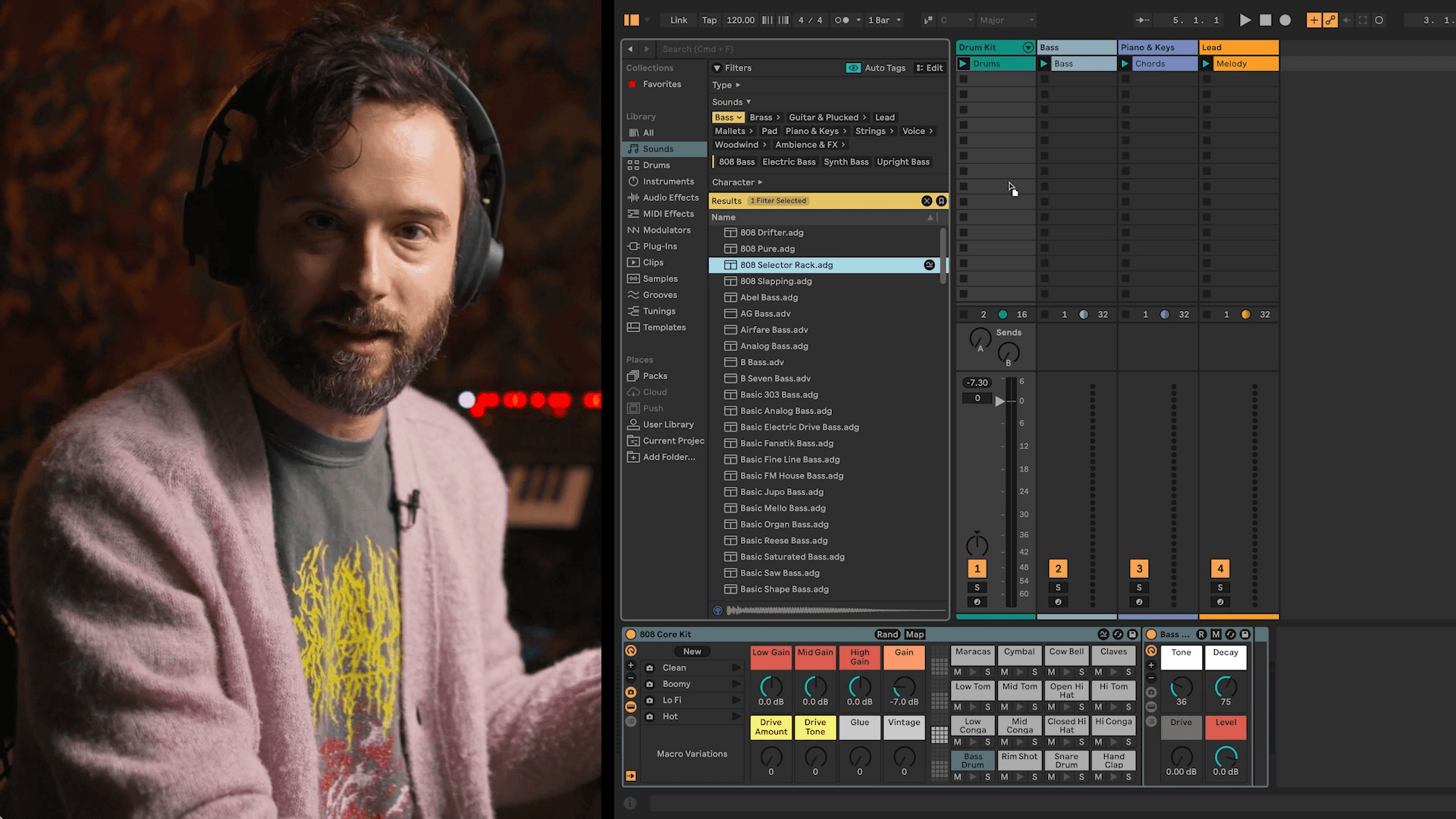
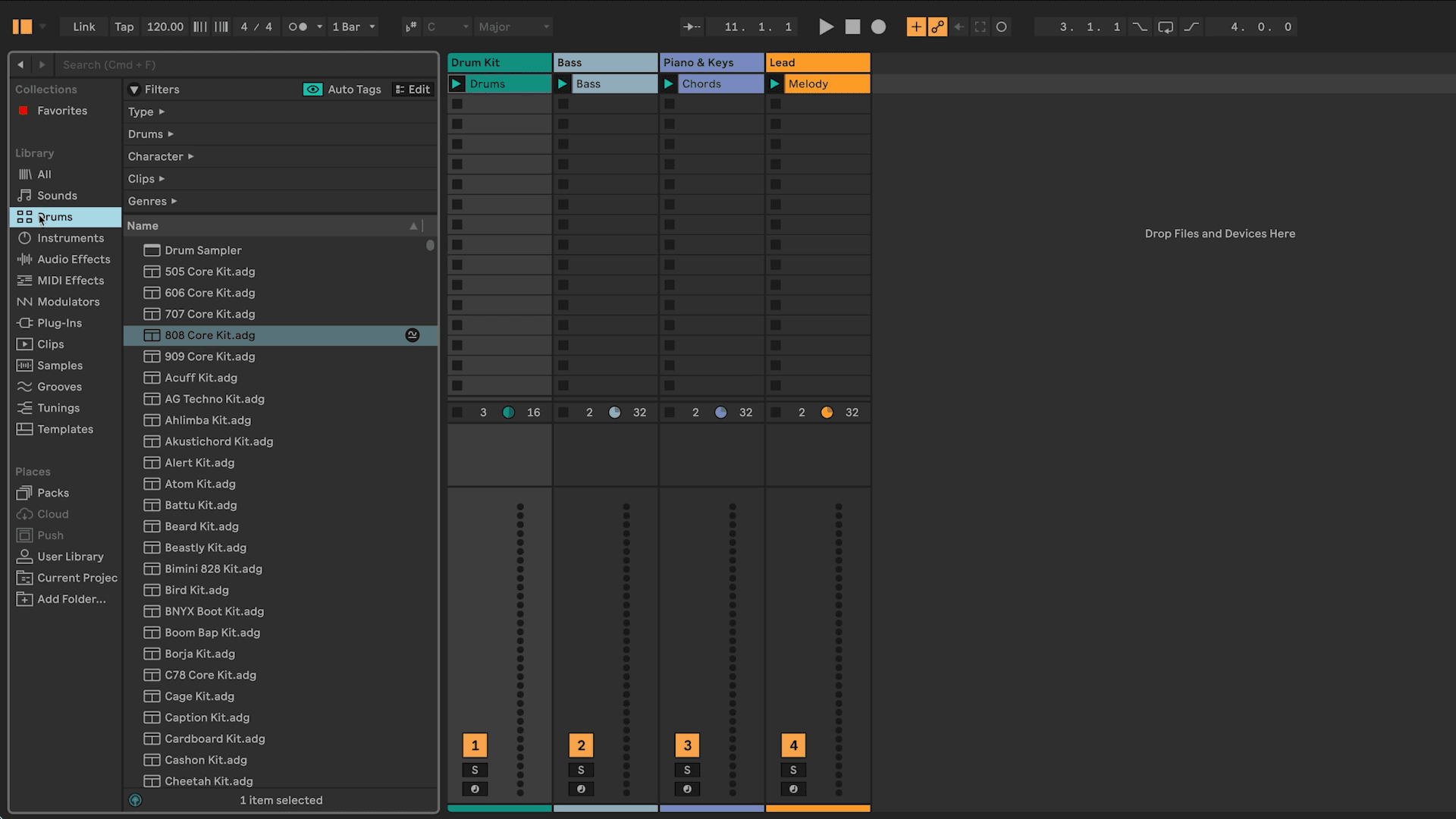
Find sounds you like in the browser and add them to tracks preloaded with material.
Essential Skills:
Opening and navigating the Browser in Ableton Live.
Previewing sounds to choose what fits your track.
Dragging and dropping presets into the correct tracks.
Understanding how instruments are loaded into tracks.
ⓘ Each exercise will be followed by a checklist dropdown like the one at the bottom of this page to help you ensure you complete the necessary tasks. Double check your work by looking at the checklist when you’re done with the exercise!
The class will refer to the checklists during the Exercise Walkthroughs after each exercise is done.