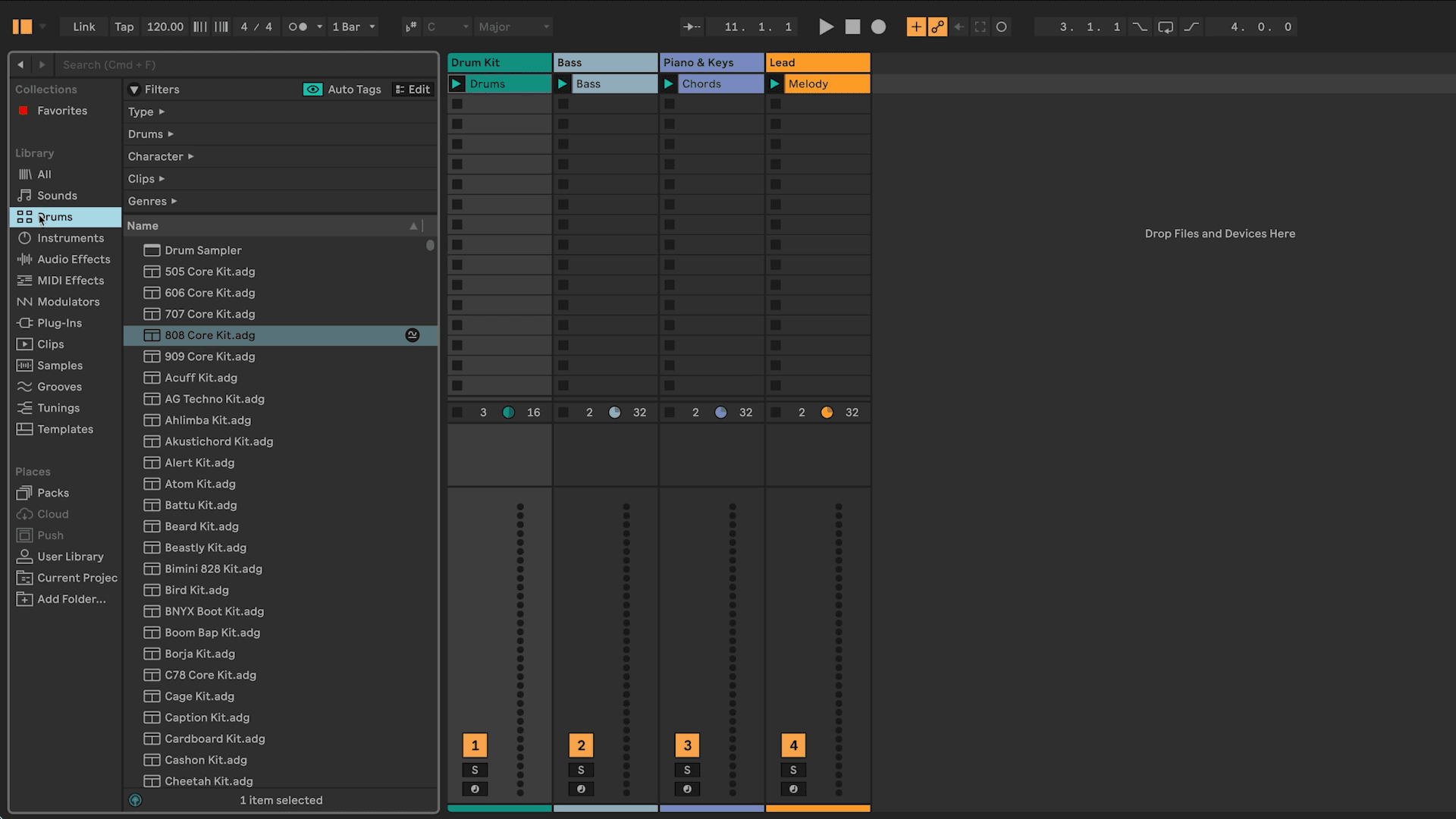
Step-By-Step
Follow along step by step to complete the exercise at your own pace.
Double-click any clip to view its contents.
Experiment with launching and stopping clips in Session View.
Click and hold the first clip, “Drums 1” on the “Drums” track in Session View.
While holding, press the Tab key to switch from Session View to Arrangement View.
Drag and drop the clip onto the same track in Arrangement View (use the track colors to guide you).
Repeat steps 3-5 until each track has clips on it in Arrangement View.
Click on the Back to Arrangement Button in the top right corner.
Press play, listen back to what you have, and continue to extend or edit your arrangement.
Save your work! Cmd+S (Mac) / Ctrl+S (Windows)