Step-By-Step
Follow along step by step to complete the exercise at your own pace.
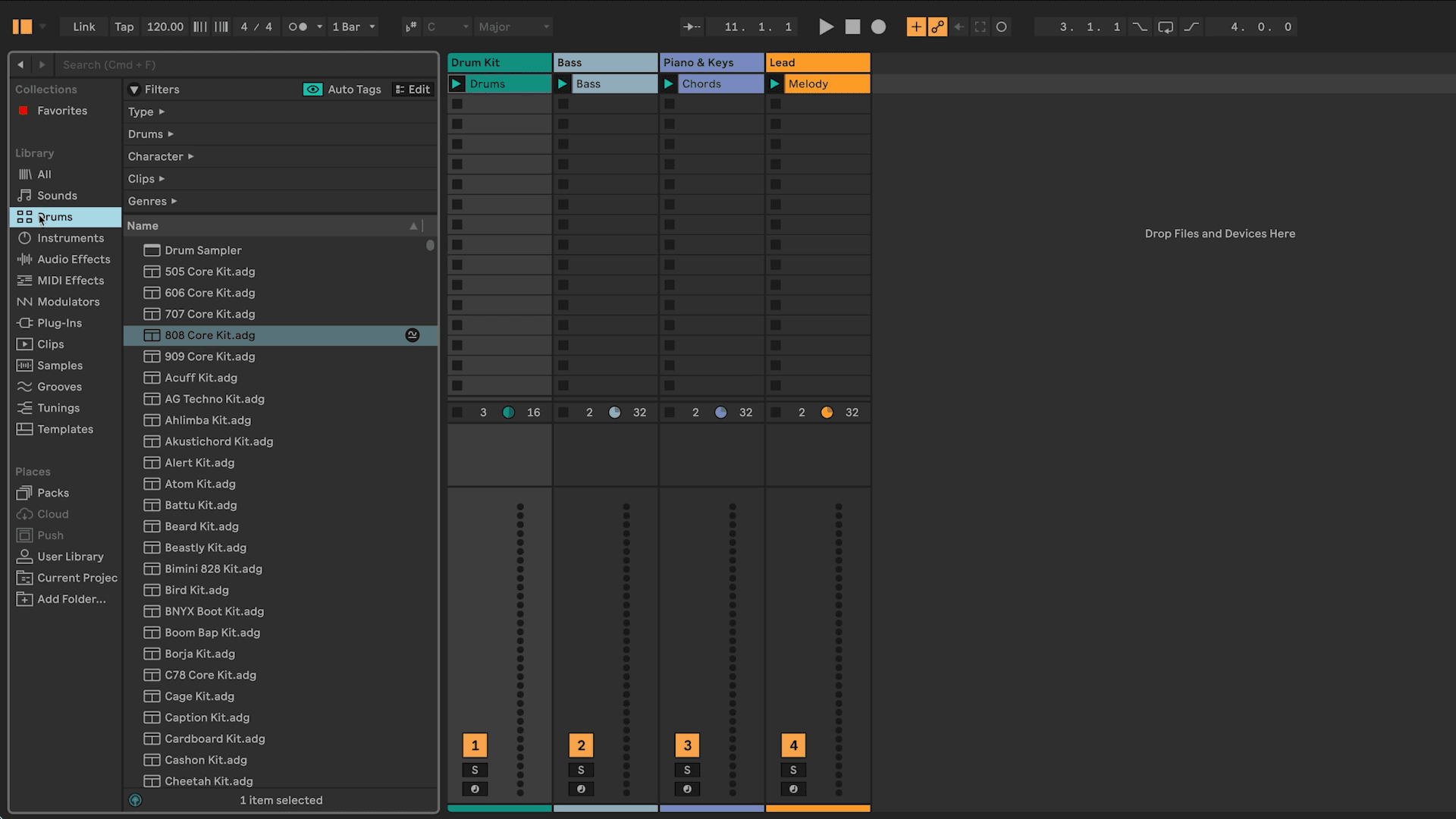
Open the Browser.
In the Library section, click on Drums. Find a Drum Kit preset you like and drag it onto the “Drum Kit” track.
Still in the Library, click on Sounds, then use the Bass filter. Choose a Bass preset you like and drag it onto the “Bass” track.
Repeat the same process for the “Piano & Keys” and “Lead” tracks
Once every track has an instrument, listen to everything together. Replace any sounds if you want to try a different vibe.
Save your work! Cmd+S (Mac) / Ctrl+S (Windows)