Review
A quick reference guide for navigating the Browser and adding sounds to your project.

How to Use the Browser:
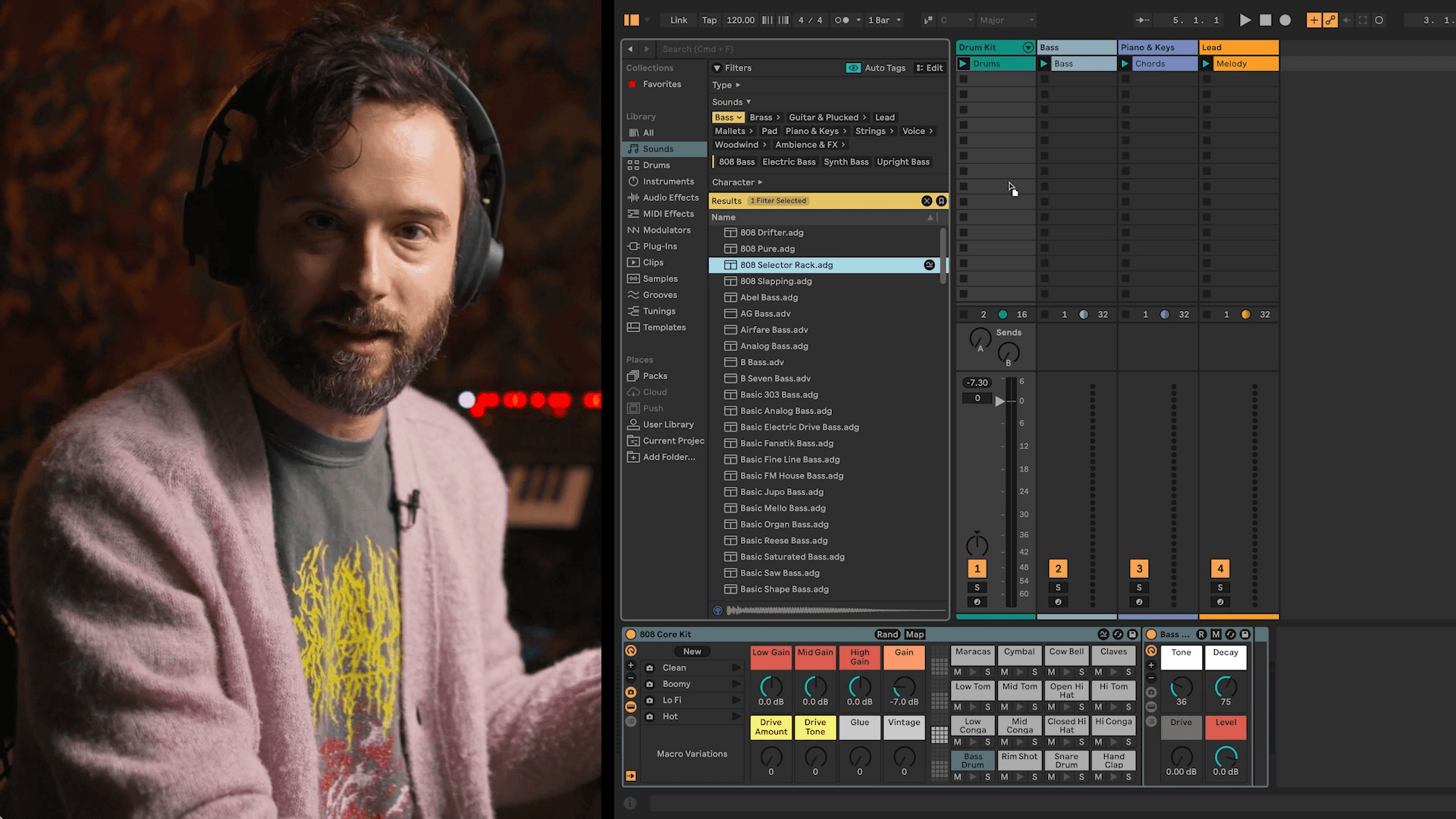
Open the Browser by clicking the Show/Hide Browser button.
Go to Drums or Sounds in the Library section of the Browser.
In the Sounds section, use the filters to find different types of sounds.
When you find a preset you like, drag it onto a track. In this exercise, drums should go on the “drum kit” track, bass on the “bass” track, etc.
Listen to it and replace any sounds that you don’t like.